
Channel Managers Explained: What They Do and Which to Choose
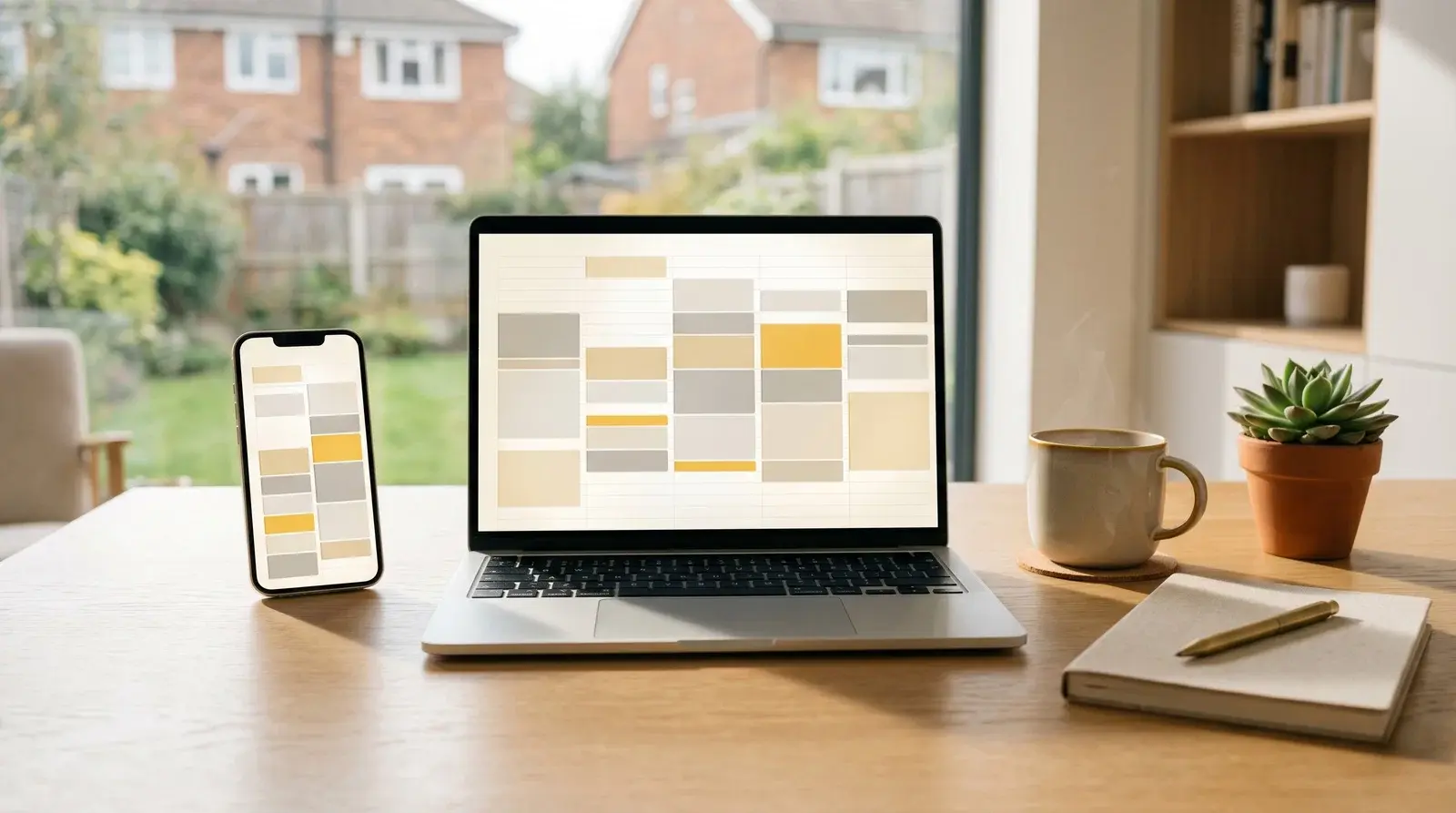
“A channel manager isn't a luxury, it's a necessity. The moment you list on two platforms, you need one.”- Roxie Andrew
Yes, if you list a property on more than one platform, you need a channel manager. It is software that keeps your calendars and rates in sync across Airbnb, Booking.com and the rest, so a booking on one platform instantly blocks the dates everywhere else and you avoid double bookings.
What Is a Channel Manager?
A channel manager is software that synchronises your property listings across multiple booking platforms. When a guest books on Airbnb, your Booking.com calendar updates automatically. When you block dates for maintenance, all platforms reflect the change instantly.
Without one, you're manually updating multiple calendars, and praying you don't double-book.
Why Do You Need a Channel Manager?
Prevent Double Bookings
Double bookings are embarrassing, costly, and damage your reputation. One bad review mentioning "they forgot my booking" can tank your listing performance.
Save Hours Weekly
With 3 properties on 3 platforms, you have 9 calendars to update. Every price change, every blocked date, every availability update, multiplied across platforms. A channel manager does this in seconds.
Maximise Exposure
List everywhere without the management headache:
- Airbnb
- Booking.com
- VRBO/HomeAway
- Expedia
- Your direct booking website
- Niche platforms for your market
Professional Operations
As you scale, manual processes break. Channel managers are the foundation of a scalable property business.
Channel Manager vs PMS: What Is the Difference?
Channel Manager
Core function: Calendar and rate synchronisation across platforms.
Property Management System (PMS)
Broader solution including:
- Channel management
- Guest communication
- Automated messaging
- Payment processing
- Cleaning schedules
- Owner reporting
- Direct booking engine
Most operators need a PMS with built-in channel management. Pure channel managers are rare now, as most have evolved into full PMS platforms.
What Features Should You Look For?
Essential Features
- Real-time sync: Instant updates, not hourly
- Two-way sync: Pulls bookings AND pushes availability
- Platform coverage: Connects to the OTAs you use
- Direct booking widget: For your own website
- Rate management: Update prices across all platforms
- Mobile app: Manage on the go
Nice-to-Have Features
- Automated messaging: Pre-arrival, check-in instructions, post-stay
- Dynamic pricing integration: Connect PriceLabs, Beyond, etc.
- Cleaning management: Auto-notify cleaners of turnovers
- Guest screening: Identity verification
- Revenue reporting: Track performance across properties
- Multi-user access: For teams
Popular Options Compared
Hospitable (formerly Smartbnb)
Best for: Automation-focused operators
- Excellent automated messaging
- Good Airbnb and Booking.com sync
- Affordable pricing
- Strong review automation
Pricing: From £15/property/month
Guesty
Best for: Scaling businesses and property managers
- Comprehensive feature set
- Excellent for managing multiple owners
- Strong reporting
- Premium pricing
Pricing: Custom pricing, typically £££
Hostaway
Best for: Growing portfolios wanting all-in-one
- Wide channel coverage
- Built-in booking website
- Good automation
- Competitive pricing
Pricing: From £20/property/month
Lodgify
Best for: Those prioritising direct bookings
- Excellent website builder
- Strong direct booking focus
- Good channel connections
- EU-based (GDPR compliant)
Pricing: From £12/property/month
Beds24
Best for: Budget-conscious operators wanting flexibility
- Highly customisable
- Affordable
- Steep learning curve
- Powerful once mastered
Pricing: From £10/property/month
Tokeet
Best for: Value-focused growing businesses
- Good feature set
- Reasonable pricing
- Solid automation
- Reliable sync
Pricing: From £15/property/month
How Do You Choose the Right One?
Questions to Ask
- Which platforms do you use? Ensure they're supported
- How many properties? Pricing often scales with portfolio
- What's your tech comfort? Some are easier than others
- Do you need a website? Some include booking websites
- What's your budget? Prices vary significantly
- Will you scale? Choose something that grows with you
Red Flags
- No free trial
- Long-term contracts required
- Slow sync times (should be under 5 minutes)
- Poor reviews about double bookings
- No mobile app
- Hidden fees
Trial Before You Commit
Most offer free trials. Test with one property before migrating everything. Check:
- Sync speed and reliability
- Ease of use
- Support responsiveness
- Mobile app functionality
- Reporting accuracy
Implementation Tips

Before Connecting
- Block all calendars manually first
- Document your current pricing on each platform
- Note any platform-specific settings
- Back up guest communication templates
During Setup
- Connect one platform at a time
- Verify sync is working before adding more
- Test a dummy booking if possible
- Set up automated messages early
After Launch
- Monitor sync for the first week closely
- Check all platforms show matching availability
- Test the booking flow on each platform
- Set up alerts for sync failures
Common Issues and Solutions
Sync Delays
Most systems sync every 1-5 minutes. During this window, double bookings are theoretically possible. Mitigation:
- Use "instant book" settings sparingly during high-demand periods
- Monitor closely during events
- Some systems offer real-time API sync for faster updates
Rate Discrepancies
Different platforms show different prices due to their fee structures. Use the channel manager's rate rules to account for this.
Content Not Syncing
Most channel managers sync calendars and rates, not listing content (descriptions, photos). Update these manually on each platform.
The Direct Booking Connection
A good channel manager enables direct bookings by:
- Providing an embeddable booking widget
- Creating a standalone booking website
- Syncing your direct calendar with OTAs
- Processing payments securely
This is where having your own website becomes powerful. Every booking that comes through your own site is commission-free, which goes straight to your bottom line instead of to the OTAs.
Think of your website as the layer that sits alongside your channel manager rather than inside it. The channel manager keeps your OTA calendars in sync. Your own serviced accommodation website is what turns a returning guest, a direct enquiry or a Google search into a booking you keep all of. A purpose-built site like Brick gives you that direct booking front door, on your own domain, that you can point your channel manager's availability into and stop handing 15% to 18% to the platforms on every repeat stay.
Cost Considerations
Typical Pricing Models
- Per property: £10-50/property/month
- Percentage of bookings: 1-3% of booking value
- Flat fee: Fixed monthly cost regardless of properties
ROI Calculation
If a channel manager costs £30/month per property and:
- Prevents one double booking per year (£200+ cost)
- Saves 2 hours/week (£50+ value)
- Enables more platform exposure (£100+ extra bookings)
The ROI is clear.
Getting Started
Immediate Actions
- List the platforms you currently use
- Count your properties
- Define your must-have features
- Research 2-3 options that fit
- Sign up for free trials
First Week
- Connect your primary platform
- Verify sync is working
- Add remaining platforms one by one
- Set up basic automated messages
- Configure your direct booking widget
Conclusion
A channel manager is essential infrastructure for any multi-platform SA business. The time savings, double-booking prevention, and operational efficiency pay for themselves quickly.
Start with a trial, prove the value with one property, then migrate your portfolio. Your future self (the one not frantically updating calendars at midnight) will thank you.
Frequently Asked Questions
Do I need a channel manager?
If you list a property on more than one platform, yes. The moment you have the same dates available on Airbnb and Booking.com at once, you risk a double booking, and a channel manager removes that risk by syncing every calendar automatically. If you only ever list on a single platform, you can wait.
Channel manager vs PMS, what is the difference?
A channel manager's core job is keeping calendars and rates in sync across booking platforms. A property management system (PMS) is broader and adds guest messaging, payments, cleaning schedules, owner reporting and a direct booking engine. Most operators now choose a PMS with channel management built in.
Does a channel manager give me my own website?
Some include a basic booking widget or a simple site, but they are not designed as a marketing website. For a branded site that wins direct, commission-free bookings, most operators run a dedicated website alongside their channel manager rather than relying on the one built into it.
How much does a channel manager cost?
Most price per property per month, commonly in the region of £10 to £50, and a few take a small percentage of booking value instead. Pricing scales with your portfolio and the feature set, so trial one property before committing the whole portfolio.
Will a channel manager stop double bookings completely?
It removes almost all of them, but most systems sync every one to five minutes rather than instantly, so a rare overlap is still possible during very high demand. Use instant book carefully during busy events and monitor closely, and the risk stays small.
Win the bookings your channel manager can't
A channel manager keeps your OTA calendars tidy. Your own website is what turns repeat guests and Google searches into commission-free bookings. Brick gets a property site live on your own domain in minutes, no developer needed.